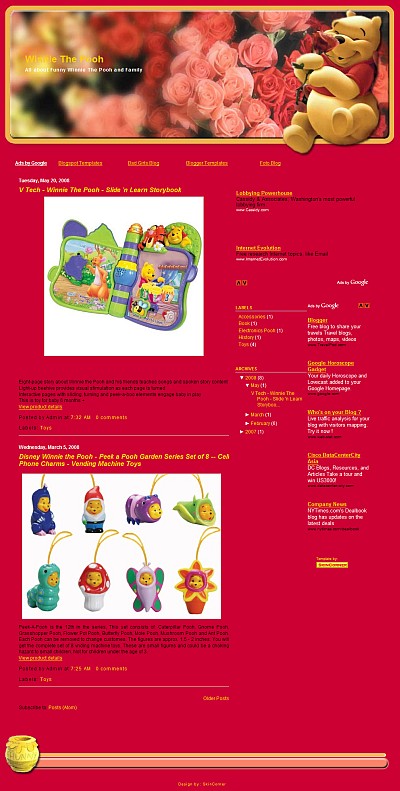
How to Change Blogger Template
Change a blogger template is very easy. This is step by step tutorial to change blogger template.
First, go to www.blogger.com and log in using your username and password. Now you are entering in your Dashboard.
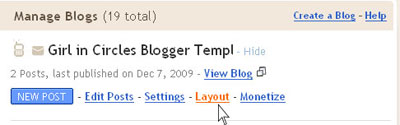
Choose your blog (if you have more than one),than click Layout.
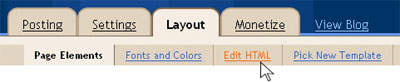
Click Edit HTML.
I recommended to backup your old template before change with a new one. And this is what you must do to backup :
1. check Expand Widget Templates
2. click Download Full Template

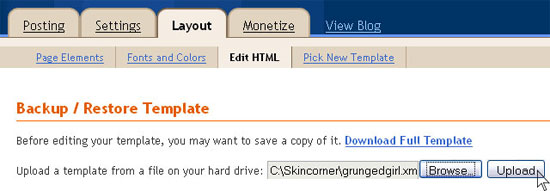
Make sure the file you want to upload is already XML or HTML format file. You can’t upload Zip file or RAR file. So, if your file is zip or rar, you must extract them first using WinZip sofware or WinRar software.
Browse the XML file on your hard drive and click Upload.
Then Press SAVE TEMPLATE